 TikTok on a physical iPhone
Ramps up day by day
A phone starts by just watching, then adds likes, follows and saves, and finally comments. Every phone keeps its own day count, so one added later starts fresh.
TikTok phone farm on physical iPhones
Run a fleet of TikTok accounts on real iPhones. Your AI agent posts through the 0bull API or MCP, and the video goes out from the account’s own signed-in phone. Want a human check first? Save it as a draft for a VA.
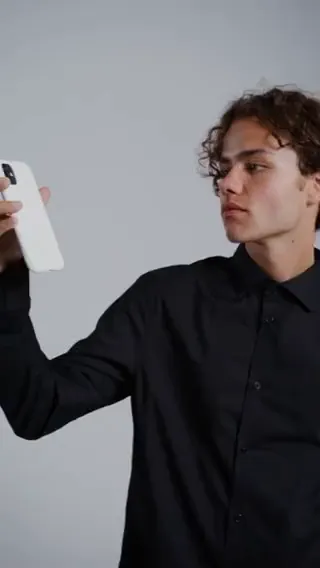
Every account lives on its own iPhone. Publish straight out, or park a draft for a human to approve.
Sign in to TikTok on your iPhone, then link that account to the phone in 0bull.
An AI agent sends the post through the 0bull API or MCP. 0bull runs the job on the account’s iPhone.
Turn on draft and the video lands in TikTok drafts on the phone. A VA reviews it in TikTok before it goes live.
Every job reports back: published, drafted, failed or cancelled. You always know where each post stands.
Turn on a warm-up and each phone uses TikTok like a real person, a few sessions a day. Activity ramps up on its own until the account is ready to post.
A phone starts by just watching, then adds likes, follows and saves, and finally comments. Every phone keeps its own day count, so one added later starts fresh.
Sessions start at varied times inside your active hours and run for different lengths. The phone scrolls For You, lingers on videos that fit and skips the rest.
Give it a niche and a few keywords. Searches, likes and comments stay on topic, so the For You feed learns what the account is about. Comments go out in the language you pick.
A phone that keeps failing pauses its warm-up for the day and you get an email. Every session shows up on a daily timeline per phone.
Same phones, same accounts, any operator. A creator works the dashboard, a VA takes the screen, and your engineers plug their own queue into the REST API or MCP server.
Manage accounts, pick destinations, upload media, choose draft or publish and watch every submission land. The fastest way to get going.
Open any assigned phone in a browser and drive it live with taps, swipes and typing. Your VA works the real TikTok screen without ever holding the handset.
Wire your content system straight into the account and submission endpoints. Your code queues the posts, and real iPhones publish them in the real TikTok app.
curl https://0bull.net/api/v1/accounts \
  -H "Authorization: Bearer $OBULL_TOKEN" \
-H "Accept: application/json"Hand the operation to an AI agent. The MCP server gives it account, submission, upload, billing and direct phone-control tools. The agent schedules the work, then checks back for the result.
$ claude mcp add --transport http 0bull https://0bull.net/mcpEvery account is tied to a phone, and every phone to an operator. Editors prep, VAs review, and automation handles the rest, across as many accounts as you run.
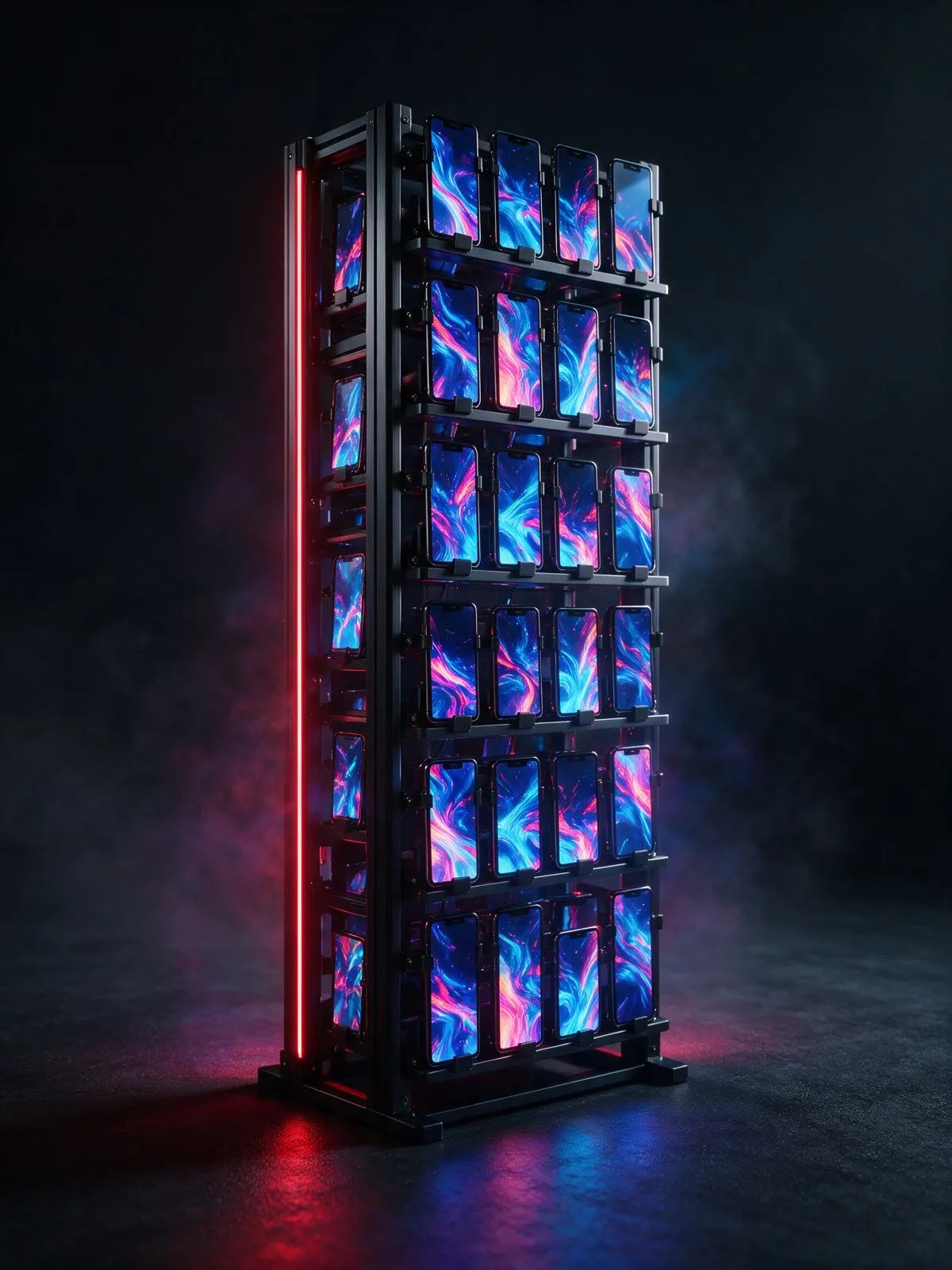
You can run TikTok on a cloud phone, an emulator or a real iPhone. Only one of those is the native iOS app on actual hardware, with a screen you can see and drive.
A real iPhone, reserved for you, on its own dedicated IP. TikTok runs in the native app, and you drive it from the dashboard, the browser, the REST API or MCP.
A hosted device you reach through a cloud console. Remote and convenient, but usually virtual Android, not a physical iPhone.
Virtual software, not hardware. Fine for testing or browser work, but it is not an iPhone and it is not the native TikTok app on iOS.
GeeLark uses this same decision framing on its public cloud-phone page, comparing cloud phones with physical phone farms, Android emulators, and multi-account browsers. GeeLark cloud phone for social media. Source: fetched 2026-09-14.
Straight answers for the people running the content, the accounts and the automation.
A rack of real phones, each running TikTok for the accounts you operate. On 0bull you rent the iPhones, link each account to the phone it is signed in on and run the whole fleet from one place.
Yes. The agent sends the post through the 0bull REST API or MCP server, and 0bull runs it on the account’s iPhone. The job status tells you when it is live.
Yes. Save it as a draft and the video waits in TikTok drafts on the phone until the VA signs off. Skip the draft and it publishes directly.
Yes. A VA opens the assigned phone in a browser and drives it live with taps, swipes and typing. Perfect for reviews, account setup or anything that needs a human touch.
Yes. A warm-up automation uses TikTok on each phone a few times a day and ramps up from watching to liking, following and commenting over about a week. You set the niche, keywords and active hours.
If you have them, yes. Aged, active accounts carry history a new account lacks. Link each one to its phone and start the warm-up at a later stage, so it keeps engaging from day one.
Pick a country. We assign the phone. You take it from there.
Start for free