 Instagram on a physical iPhone
Physical iPhone
A real iPhone on its own dedicated IP, running the native Instagram app. Drive it from the browser, the REST API or an MCP client.
Instagram phone farm
Run a fleet of Instagram accounts on real iPhones. Your AI agent publishes Reels through 0bull’s API or MCP, straight from each account’s signed-in phone. Or save a Reel as a draft for a VA to review.

Every Reel takes one of two paths: 0bull runs the publish job on the phone, or saves the Reel as a draft for a VA to review in Instagram.
Record the Instagram handle that is signed in on a phone. Reels for that handle go to that phone.
Send the video and caption from the dashboard, the REST API or MCP. An AI agent can do this step too.
By default 0bull runs the publish job on the phone. Ask for a draft and the Reel waits in Instagram for a VA to review.
Each submission has its own status, so you can see whether it published, was saved as a draft or failed.
Hands-on or fully automated, your call. Start in the dashboard, hand a VA the screen, or let your own pipeline drive the queue through the API and MCP.
Add handles, see which phone each one lives on, send Reels and track every submission from one web app.
Open the real phone in a browser and drive it live with taps, swipes and typing. Your VA reviews Reels and handles in-app steps without ever holding the handset.
Create accounts and queue Reels from your own code. Every request returns a submission you can track to the finish.
curl https://0bull.net/api/v1/accounts \
  -H "Authorization: Bearer $OBULL_TOKEN" \
-H "Accept: application/json"Let an AI agent work your Instagram accounts: manage handles, create submissions, and see and control the phones. Keep a human on approvals whenever you want one.
$ claude mcp add --transport http 0bull https://0bull.net/mcpA scheduler is not enough when you run a stack of handles. You need to know which handle lives on which phone, who reviews each Reel and where a human steps in. 0bull tracks all of it.
Plenty of tools give you remote access. Few give you the native Instagram app on real iOS hardware, with a screen a person can see and drive.
A real iPhone on its own dedicated IP, running the native Instagram app. Drive it from the browser, the REST API or an MCP client.
A hosted, remote device. No hardware to handle, but usually virtual Android, not a physical iPhone.
A virtual environment, not a phone. Fine for browser-led work, but it is not Instagram running on native iOS hardware.
GeeLark presents cloud phones alongside physical phone farms, Android emulators, and multi-account browsers on its public cloud-phone page. GeeLark cloud phone for social media. Source: fetched 2026-09-14.
Straight answers for the people running the content, the accounts and the automation.
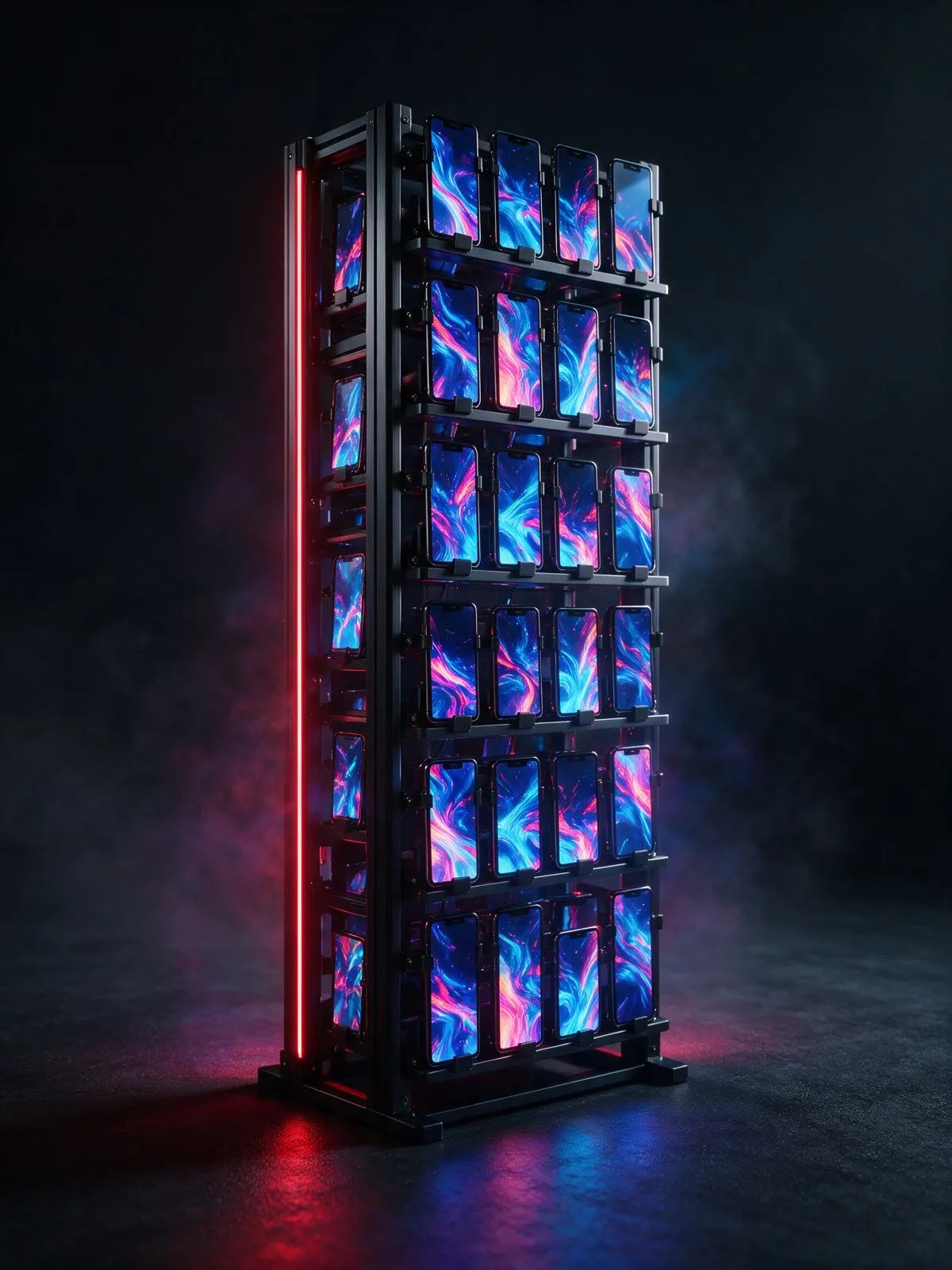
A rack of physical phones, each signed in to its own Instagram accounts and run as one fleet. 0bull rents you real iPhones by the month, each on its own dedicated IP.
Yes, through the REST API or MCP. 0bull runs the job on the account’s signed-in iPhone, and the submission status tells you when the Reel is live.
Submit the Reel as a draft. It waits in Instagram on the assigned iPhone, where the VA opens the phone in the browser, reviews it and decides whether to post.
USD 100 per physical iPhone per month. The pricing page shows the total for the number of phones you need and when the card is charged.
Pick a country. We assign the phone. You take it from there.
Start for free